Meet Jasmine — a hypothetical two-chair studio owner in Austin, based on the scheduling patterns we commonly see from independent stylists. She's fully booked most weeks, but the way she handled appointments felt anything but full. Bookings came through Instagram DMs, text messages, and the occasional walk-in. Her calendar lived in three places, and she spent more time confirming appointments than focusing on clients.
She tried to keep up with it all using a notes app and a shared calendar, but double bookings still happened. Last-minute gaps and no-shows meant lost income, and the stress carried into every workday.

The Problem: Bookings Everywhere, Time Nowhere
Jasmine did not need more clients. She needed a cleaner way to manage the clients she already had. The biggest issues were not about marketing. They were about friction and missed details.
- Messages that got buried and delayed confirmations
- Manual reminders that took time every night
- No consistent record of client preferences or past services
- No simple view of weekly earnings
She decided to try Nextil because it promised a single booking link, automatic reminders, and client history in one place. The goal was simple: reduce daily chaos without adding another tool to manage.
The Setup: 30 Minutes to a Clean Schedule
On her first evening with Nextil, Jasmine set her hours, added her most common services, and created her booking link. She added that link to Instagram and texted it to her regulars.
- Set working hours and service durations
- Added pricing and buffer times between services
- Shared the booking link in Instagram and WhatsApp
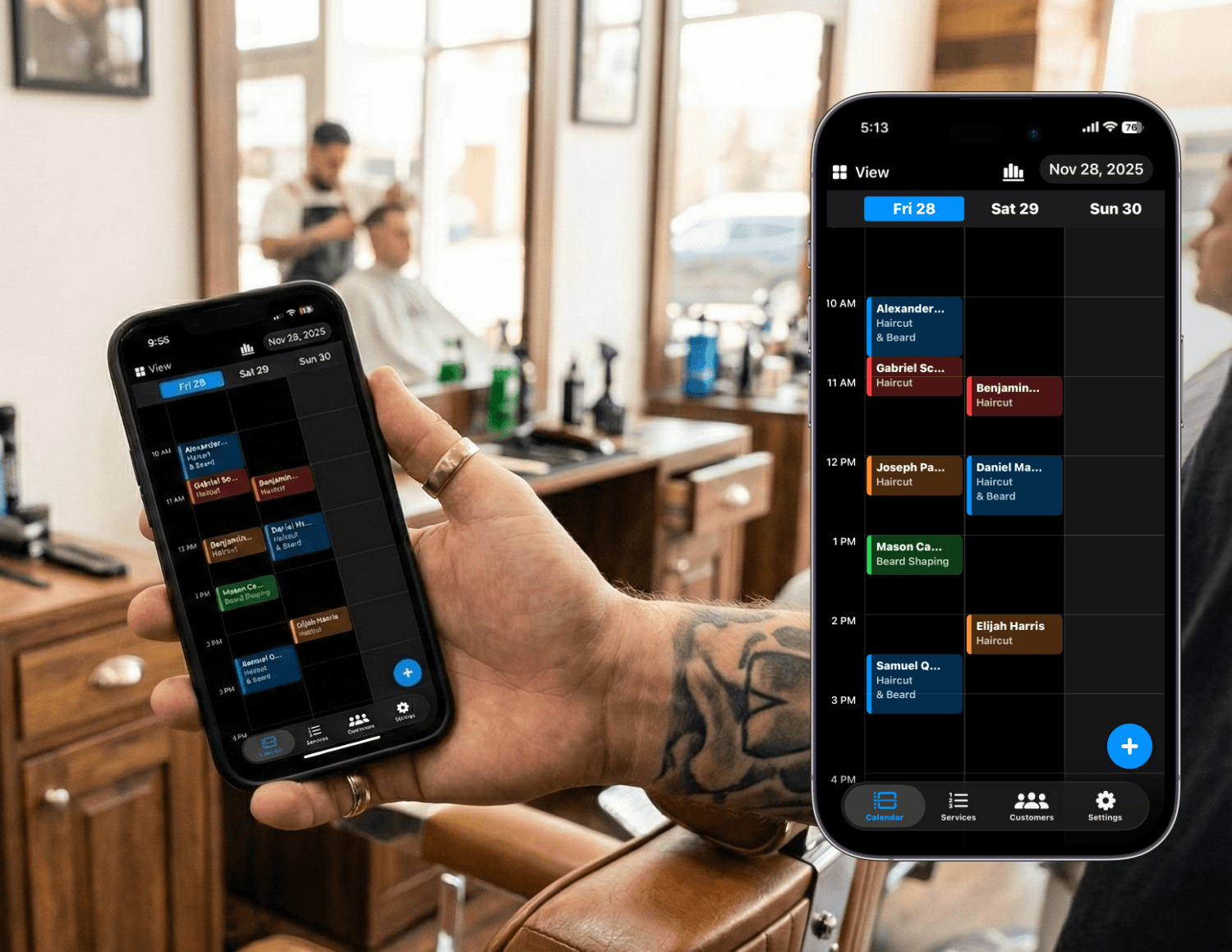
Week 1: Online Booking Cut Interruptions
The first change was immediate. Clients started booking on their own instead of messaging for every slot. Jasmine could focus on cuts while appointments filled in around her existing schedule. She stopped checking her phone between clients.
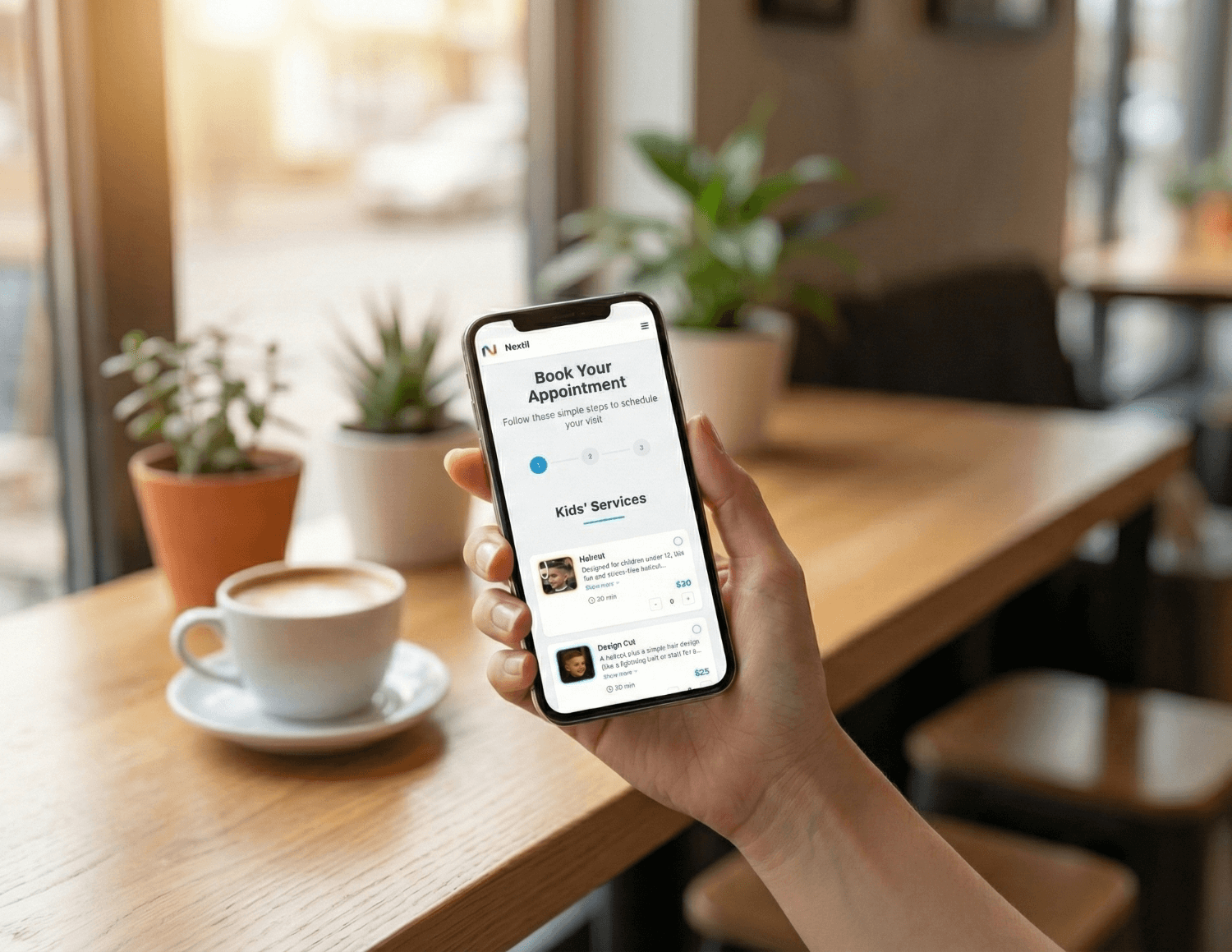
Week 2: Reminders Reduced Last-Minute Gaps
Automated reminders did what manual texts could not. Nextil sends a reminder 2 hours before each appointment, so clients confirmed more consistently, and when they needed to reschedule, it happened earlier. She still had the occasional cancellation, but the surprise no-shows became rare.
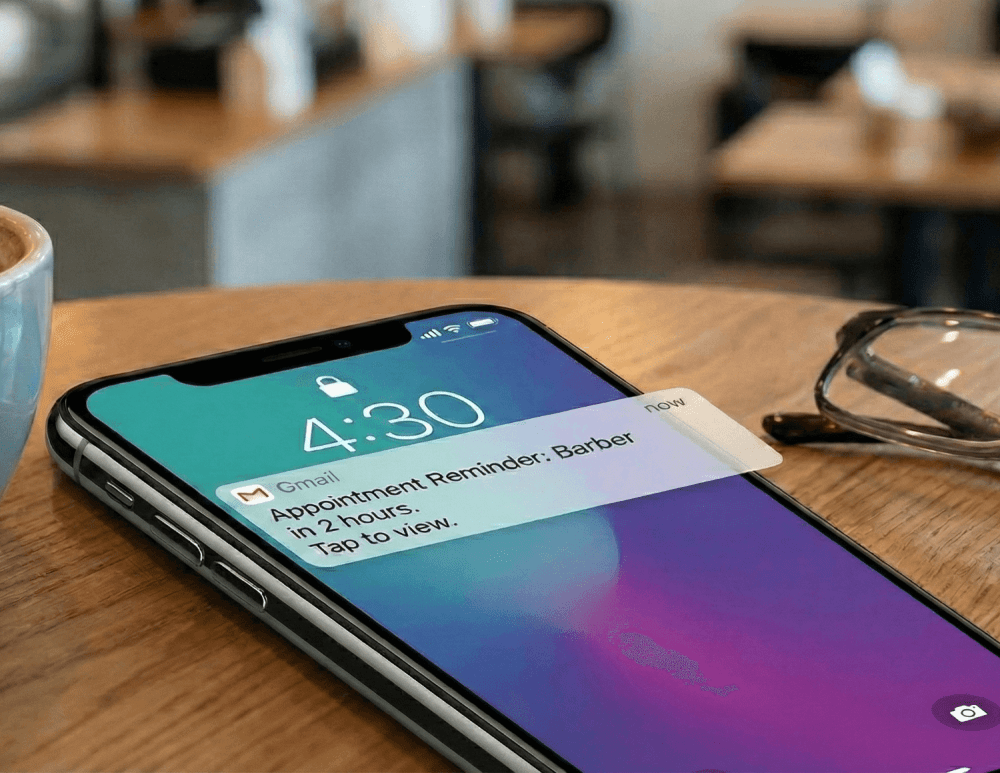
Week 3: Client History Made Rebooking Easy
With every booking, Nextil built a client profile. Jasmine could see what each client had booked before, add notes during appointment creation or on the customer profile, and suggest the next service. That made rebooking faster and more personal.
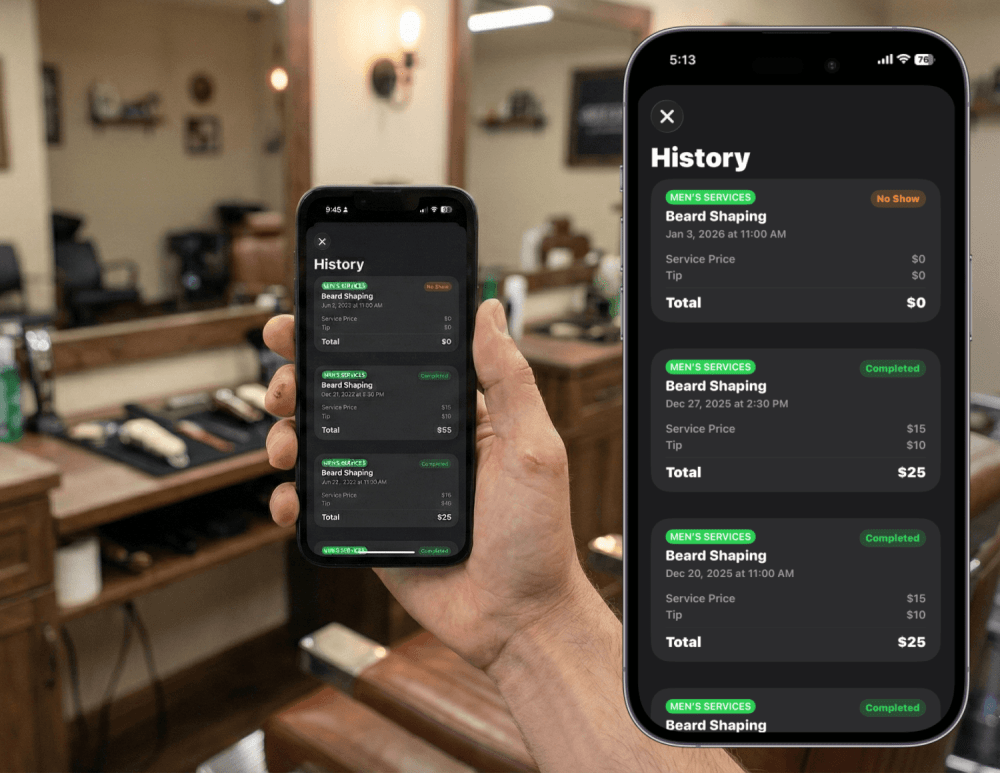
Month 1: Clear Earnings and Smarter Services
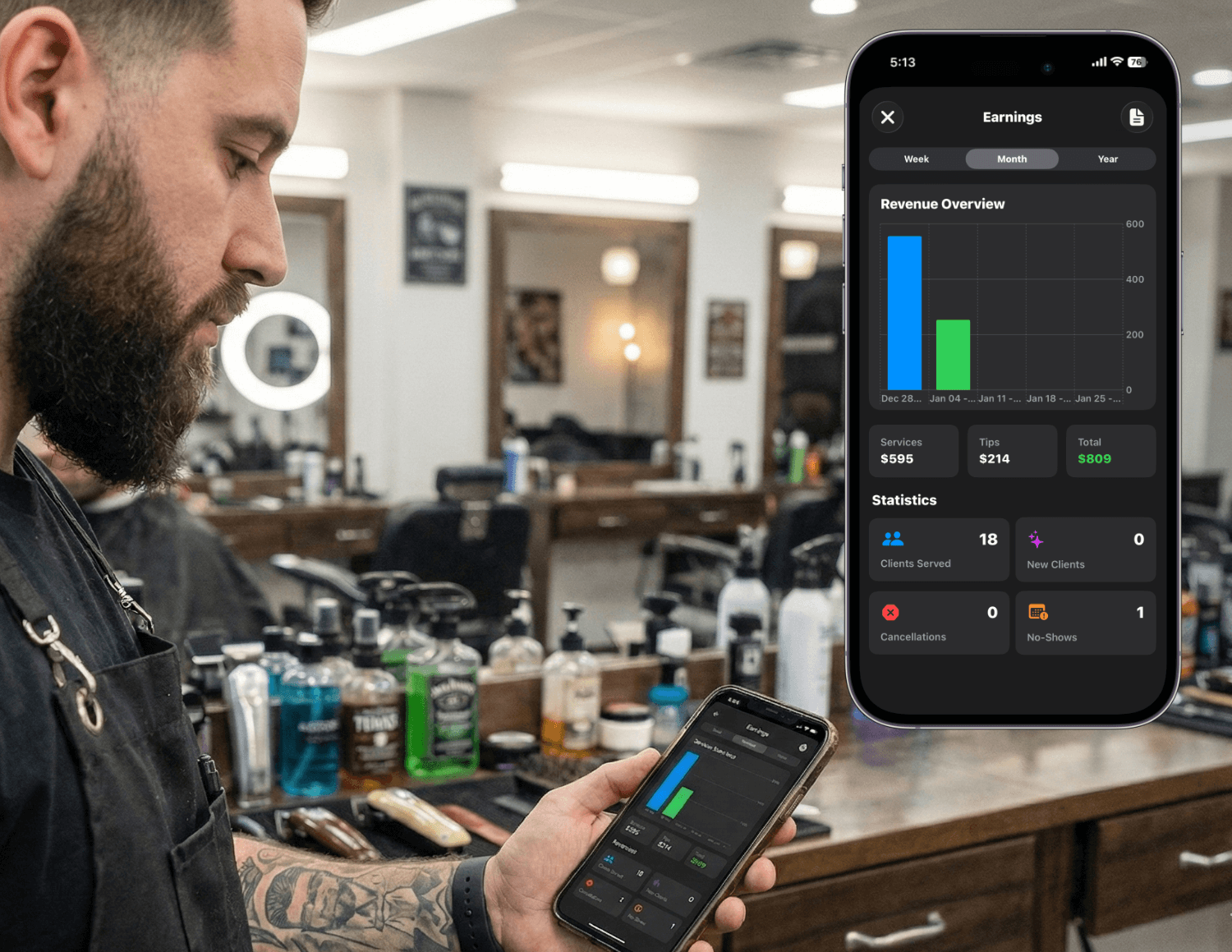
By the end of the first month, Jasmine could see her weekly earnings at a glance. She noticed that certain services were consistently more profitable, so she adjusted her menu and promoted the most in-demand options. That small change increased her revenue without adding more hours.
What New Users Can Copy Today
- Create a clean service menu with realistic durations
- Share your Nextil booking link everywhere you get inquiries
- Turn on automatic reminders right away (Nextil sends a reminder 2 hours before the appointment)
- Add quick notes during appointment creation or on the customer profile to build client history
- Review earnings weekly and refine your most profitable services
Related: How Barbers Can Reduce No-Shows Without Charging Deposits →
Explore client management & tags in Nextil →
Takeaway
Jasmine did not change her business. She changed her system. By centralizing booking, reminders, and client history in Nextil, her schedule became easier to manage and her clients felt more cared for. If you are new to Nextil, this example shows that a calm workflow is only a few simple steps away.
Frequently asked questions
Make Your Schedule Feel Simple Again
Set up Nextil in minutes and give your clients an easy way to book while you stay focused on your craft.