Accepting online bookings is no longer a luxury for barber shops — it’s an expectation. Today’s clients want to book haircuts the same way they order food or reserve rides: quickly, online, and without sending messages back and forth. If your barber shop still relies on texts, calls, or DMs, you’re likely missing bookings and wasting valuable time.
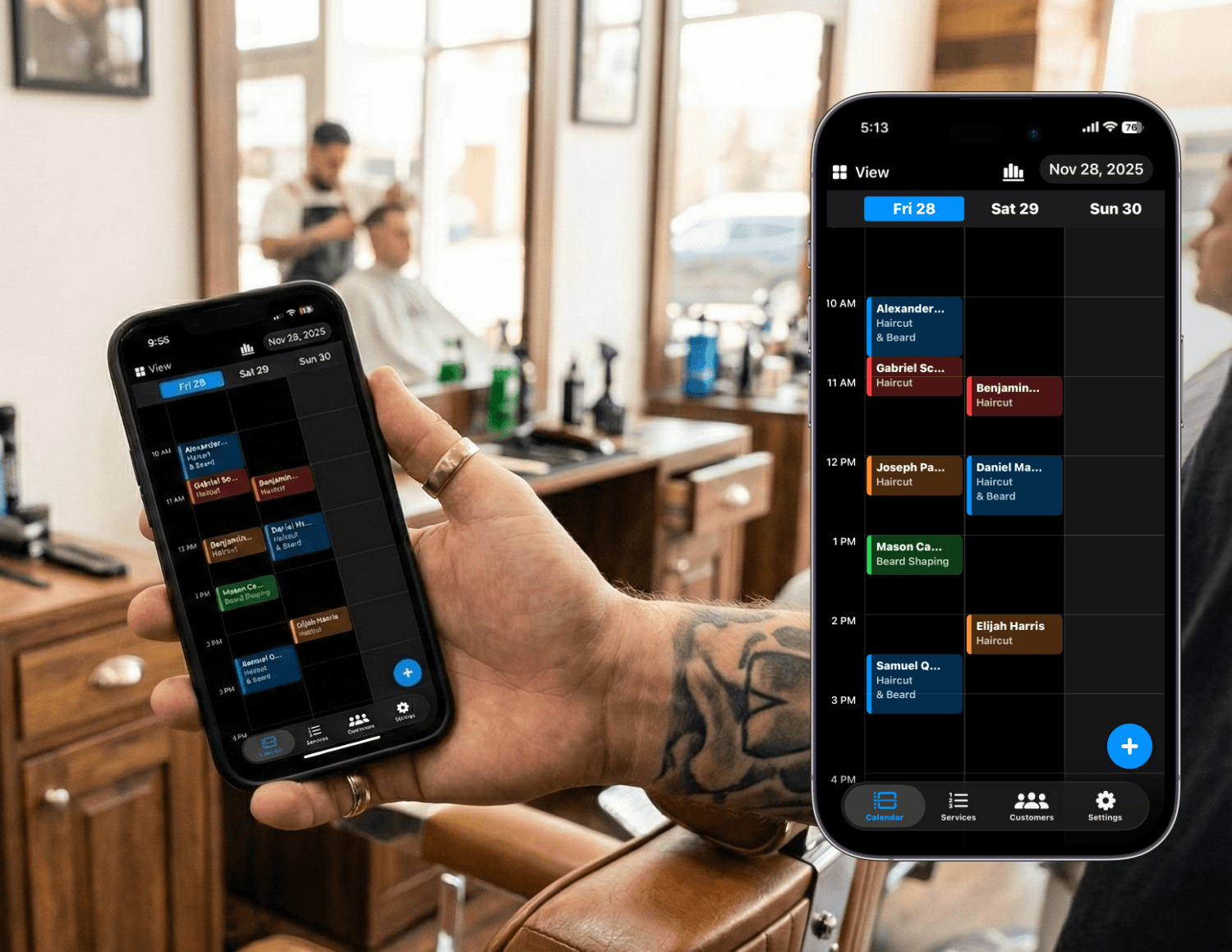
With Nextil, you can accept online bookings 24/7, keep your schedule organized, and give clients a professional booking experience. In this step-by-step guide, we’ll show you exactly how to start accepting online bookings for your barber shop.
Why Online Booking Matters for Barber Shops
- Clients can book appointments anytime, even outside business hours
- Fewer interruptions while you’re cutting hair
- Reduced double bookings and scheduling mistakes
- Automatic reminders that reduce no-shows
- A more professional and modern client experience
Barber shops that offer online booking often see higher client retention and fewer missed appointments. Instead of managing bookings manually, your schedule updates automatically as clients book.
Step 1: Set Up Your Services and Prices
The first step to accepting online bookings is defining your services. In Nextil, you can create services such as haircuts, beard trims, fades, or premium packages. Each service includes a duration and price, so clients know exactly what they’re booking.
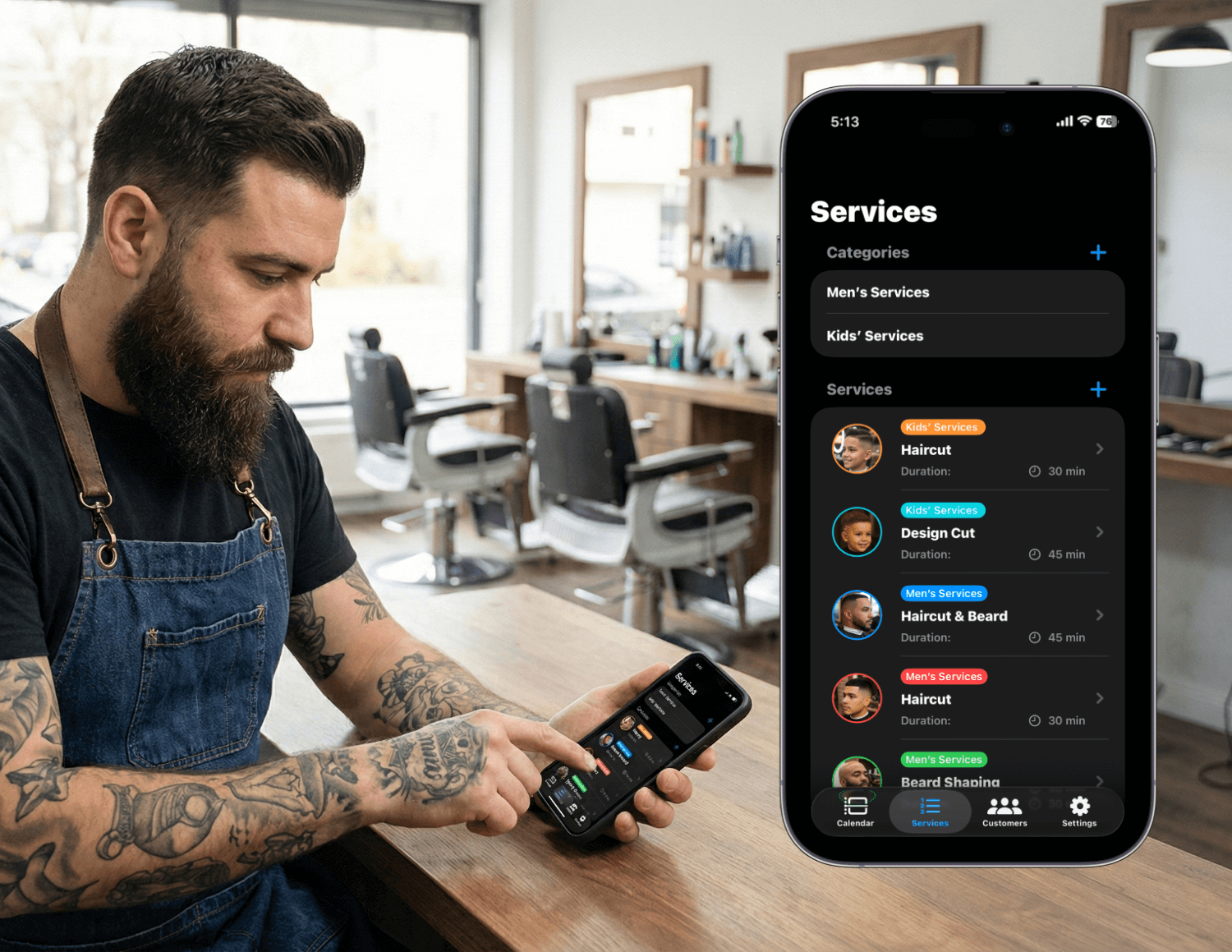
Accurate service durations help prevent rushed appointments and give you better control over your day.
Step 2: Set Your Working Hours and Availability
Next, define when clients can book you. Set your working hours directly in Nextil. The system will only show clients the time slots you’re actually available for.
This eliminates back-and-forth messages like “Are you free at 3?” and helps you maintain a healthy work-life balance.
Step 3: Share Your Online Booking Link
Once your services and availability are set, go to Settings and open the Booking Page section to choose your unique username. This username becomes part of your personal booking link. After it’s set, you can share your booking link with clients so they can schedule appointments online anytime.
- Instagram bio
- WhatsApp or text messages
- Google Business profile
- Website or Linktree
- Printed QR codes in your shop
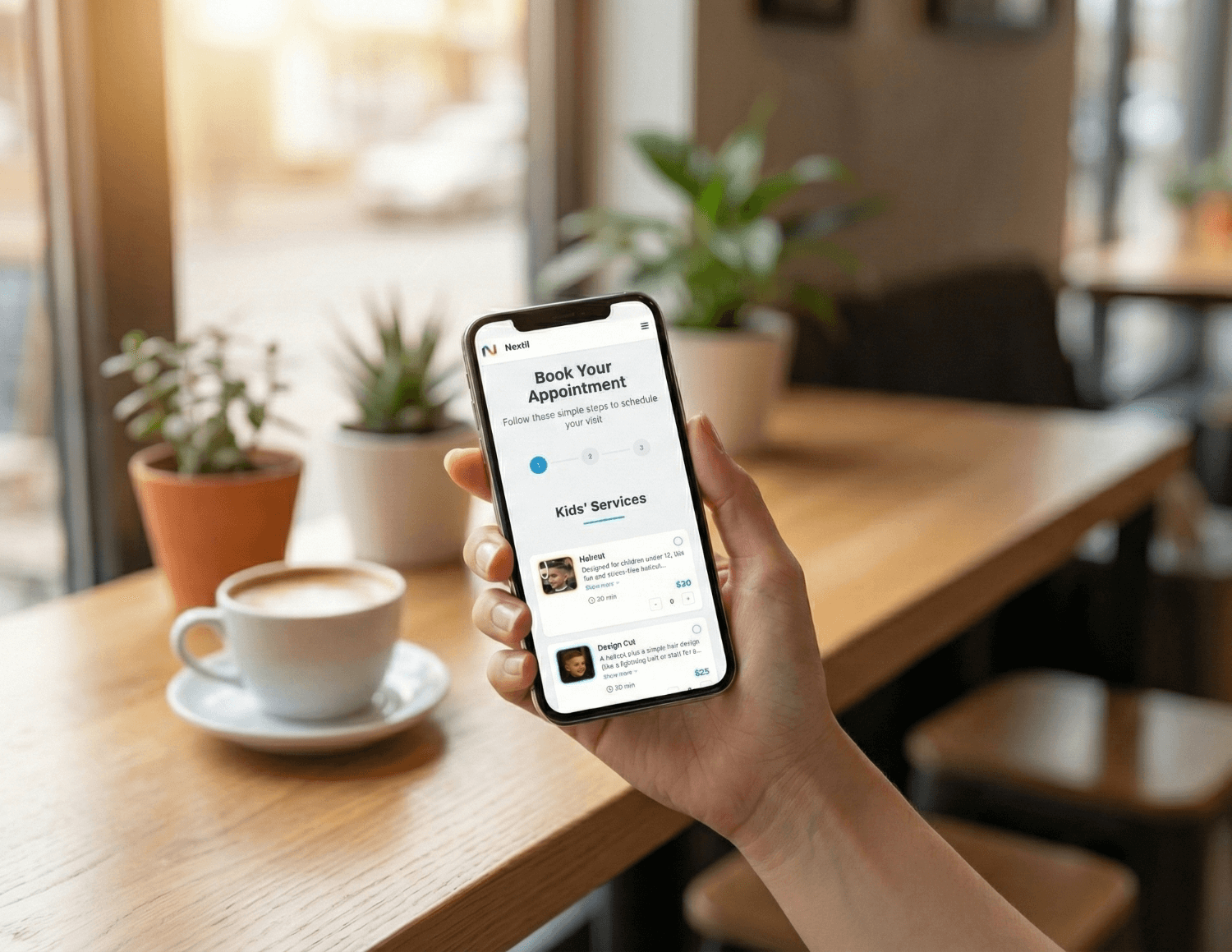
Clients simply choose a service, pick an available time, and confirm their appointment — no messages required.
Step 4: Enable Automatic Appointment Reminders
No-shows can cost barber shops hundreds of dollars every month. Nextil automatically sends reminders to clients before their appointment, reducing missed bookings and last-minute cancellations.
Clients can reschedule easily, keeping your schedule accurate and up to date.
Step 5: Track Clients and Earnings in One Place
Every booking in Nextil builds a client history. You can see past services, notes, and total spend for each client. At the same time, Nextil tracks your earnings so you always know how your business is performing.
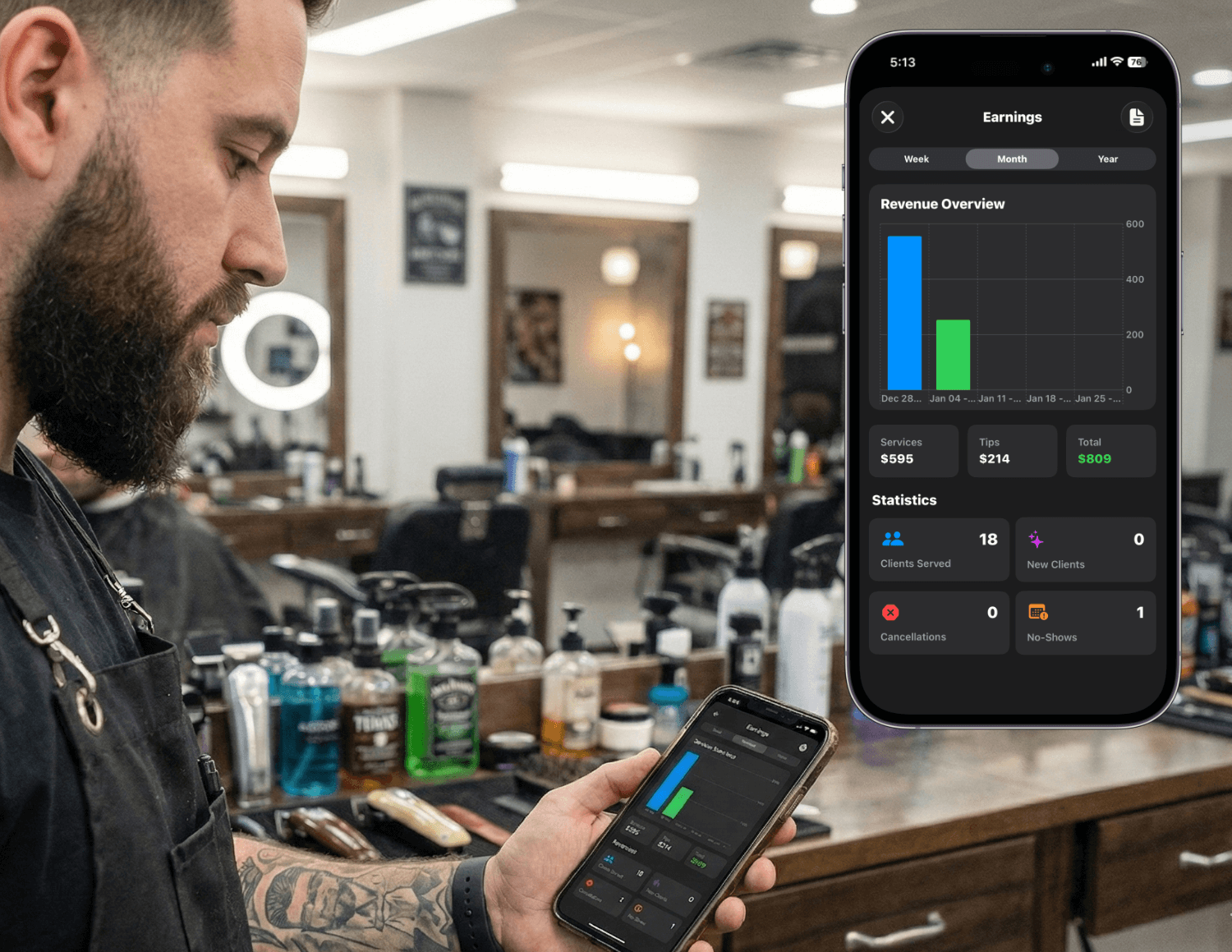
This makes it easier to plan promotions, prepare for tax season, and focus on your most profitable services.
Why Nextil Is a Great Fit for Barber Shops
- Designed specifically for solo barbers and small shops
- Simple setup with no complicated hardware
- Mobile-friendly for you and your clients
- Professional booking experience that builds trust
- Tools to grow your business without extra admin work
Whether you’re a solo barber or managing a small team, Nextil helps you accept online bookings without changing how you cut hair — just how you manage your time.
Final Thoughts
Accepting online bookings is one of the easiest ways to modernize your barber shop and increase efficiency. With Nextil, you can set up online booking in minutes, reduce no-shows, and give clients the convenience they expect. The result is a smoother schedule, happier clients, and more time to focus on your craft.
Start Accepting Online Bookings with Nextil
Create your free account and let clients book appointments online, anytime.